
Protect your deposit with a professional condition report
Tenants inspect the property at move-in and move-out to protect their deposit and avoid disputes. CYA Pro guides you through every step — from signing up to generating a court-ready PDF report.

Create your account with your name, email, and select "Tenant" as your role. Google sign-in is also available. You get 1 free report.
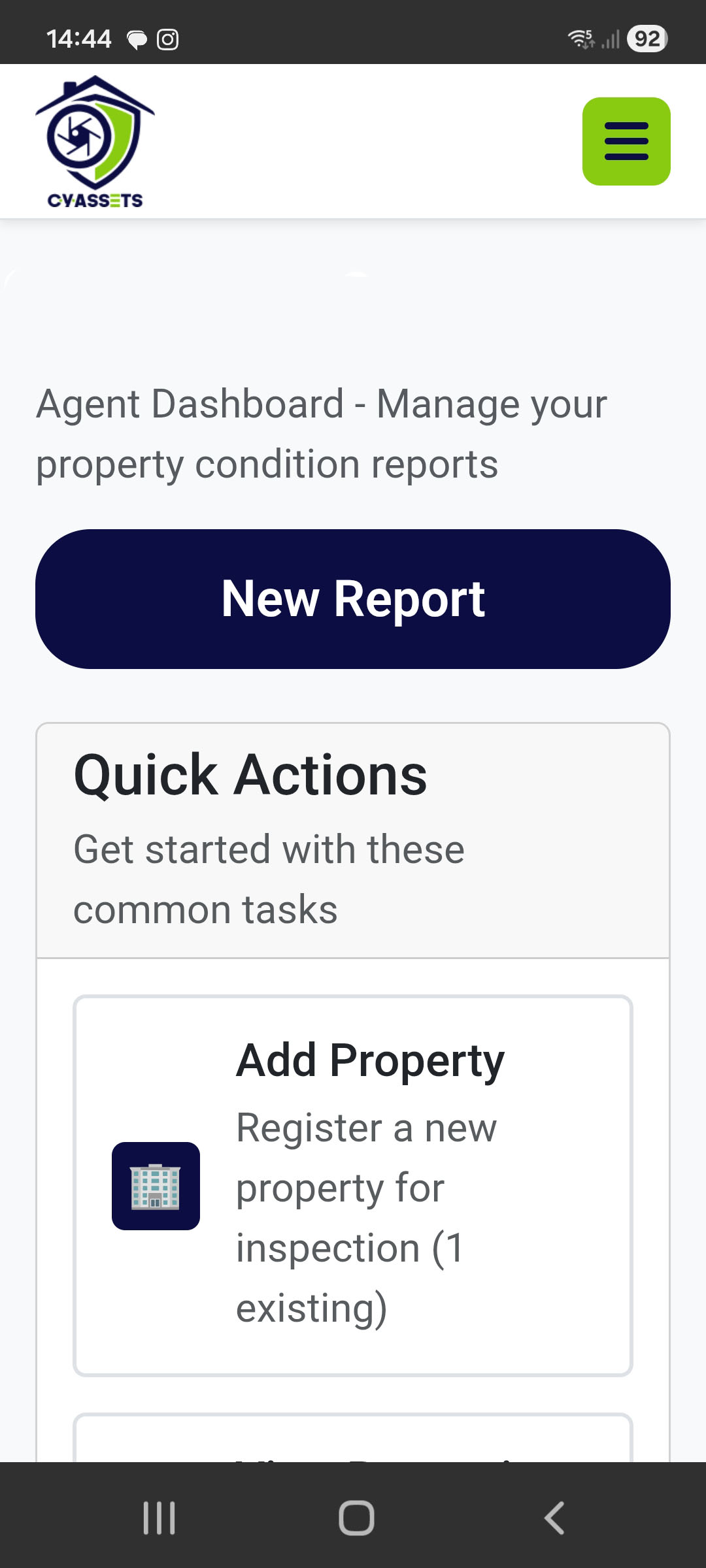
Enter your rental property address and details. Your device's GPS coordinates are captured automatically to verify the location.

Select your property and start a new inspection report. Add rooms (bedrooms, bathrooms, kitchen, etc.) — each has a predefined checklist.

For each room, rate the condition of every item (walls, floors, windows, etc.) as Good, Fair, Poor, or Urgent Repair. Take photos and add notes for anything that isn't perfect.

Optionally record a video walkthrough of each room for extra evidence. Max 2 minutes per room.

See a colour-coded summary of every room and item. Check that everything is documented before finalizing.

Lock the report to make it immutable. A timestamp is set — this is what makes it court-ready evidence.

A professional A4 PDF is generated with all your photos, ratings, notes, and property details. Download it or share via a public link — no login needed to view.