Track property condition and manage maintenance with evidence.
Landlords inspect properties to track condition between tenants, prove damage, and manage maintenance. CYA Pro also lets you create contractor jobs and invite tradespeople directly from the app.
Create your account and select “Landlord”. You get 1 free inspection report.
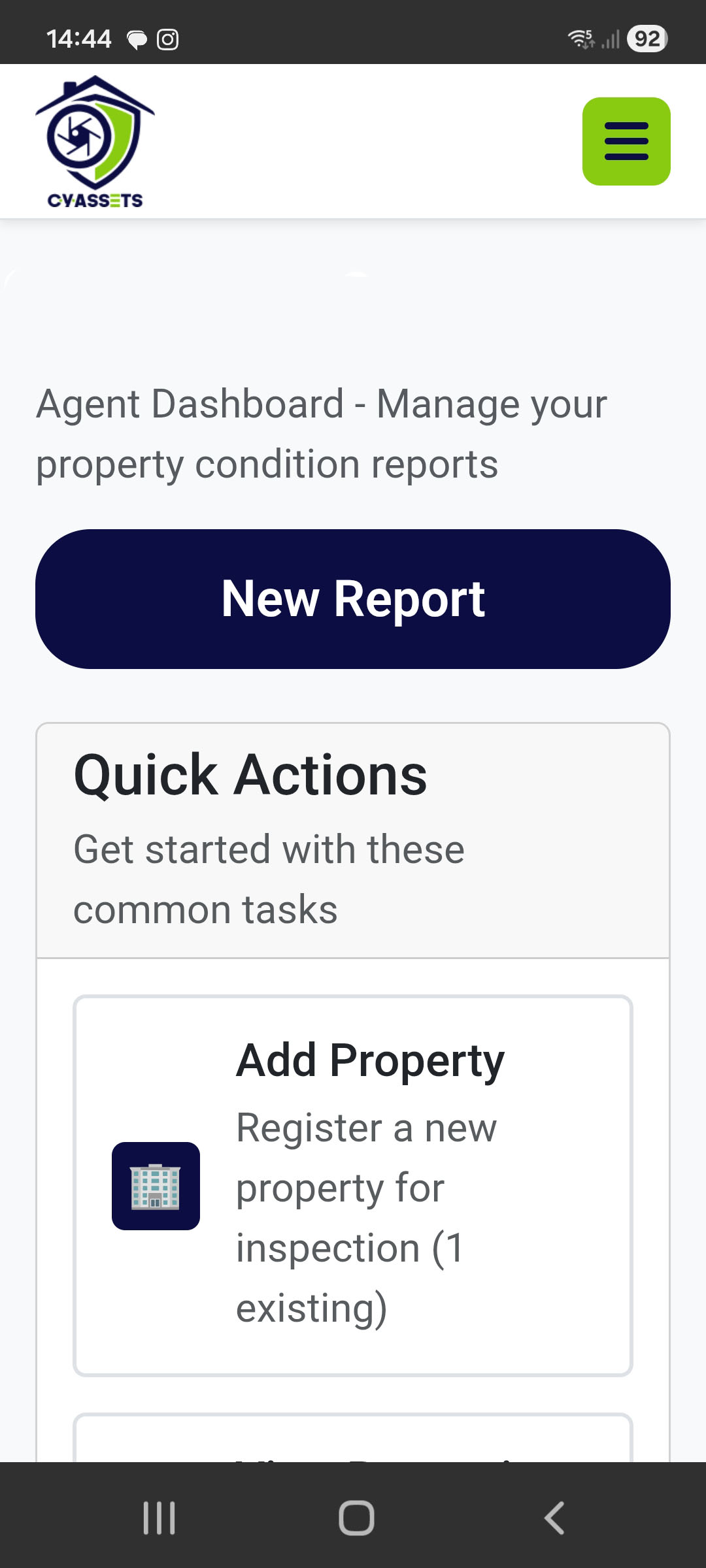
Register each property you manage with its full address. GPS coordinates are captured for verification.
Start a new report for any property. Add rooms with predefined checklists for each room type.
Rate every item’s condition, take photos, add notes. Document any existing damage or wear.
Optional video walkthroughs for each room to capture the full picture.
Review the colour-coded summary, finalize to lock the report with a timestamp.
Professional PDF with all evidence. Share with tenants or keep for your records.
Found issues during your inspection? Don't chase contractors on WhatsApp. Create a job, send a link, and track the work — all from the same app.
Electrician, plumber, builder, painter, roofer, locksmith, pest control, and more. Every common property trade covered.
Generate an invite link and send it however you like. The contractor clicks it, signs up in 3 steps, and is linked to the job. No app download needed.
Contractors must upload before and after photos. You get a full visual audit trail of exactly what was done.
Electrical, gas, plumbing, electric fence, and beetle jobs require certificate uploads. No more chasing paperwork.
See job status at a glance: Not Started, In Progress, Awaiting Parts, or Completed. Know exactly where things stand.
Mark jobs as Low, Medium, High, or Critical. Contractors see the urgency immediately so the important stuff gets done first.
Three steps from problem to professional.
Select the property, trade type, job type, area, urgency, and describe the work. Takes 30 seconds.
Share the job link via WhatsApp, email, or copy it. Your contractor clicks it, signs up in 3 steps, and accepts the job.
Monitor progress, view before/during/after photos, and receive compliance certificates — all in one place.